Tư vấn công nghệ
ASD Essentials Isn't Built for Small Business: Four Cyber Basics to Fix First
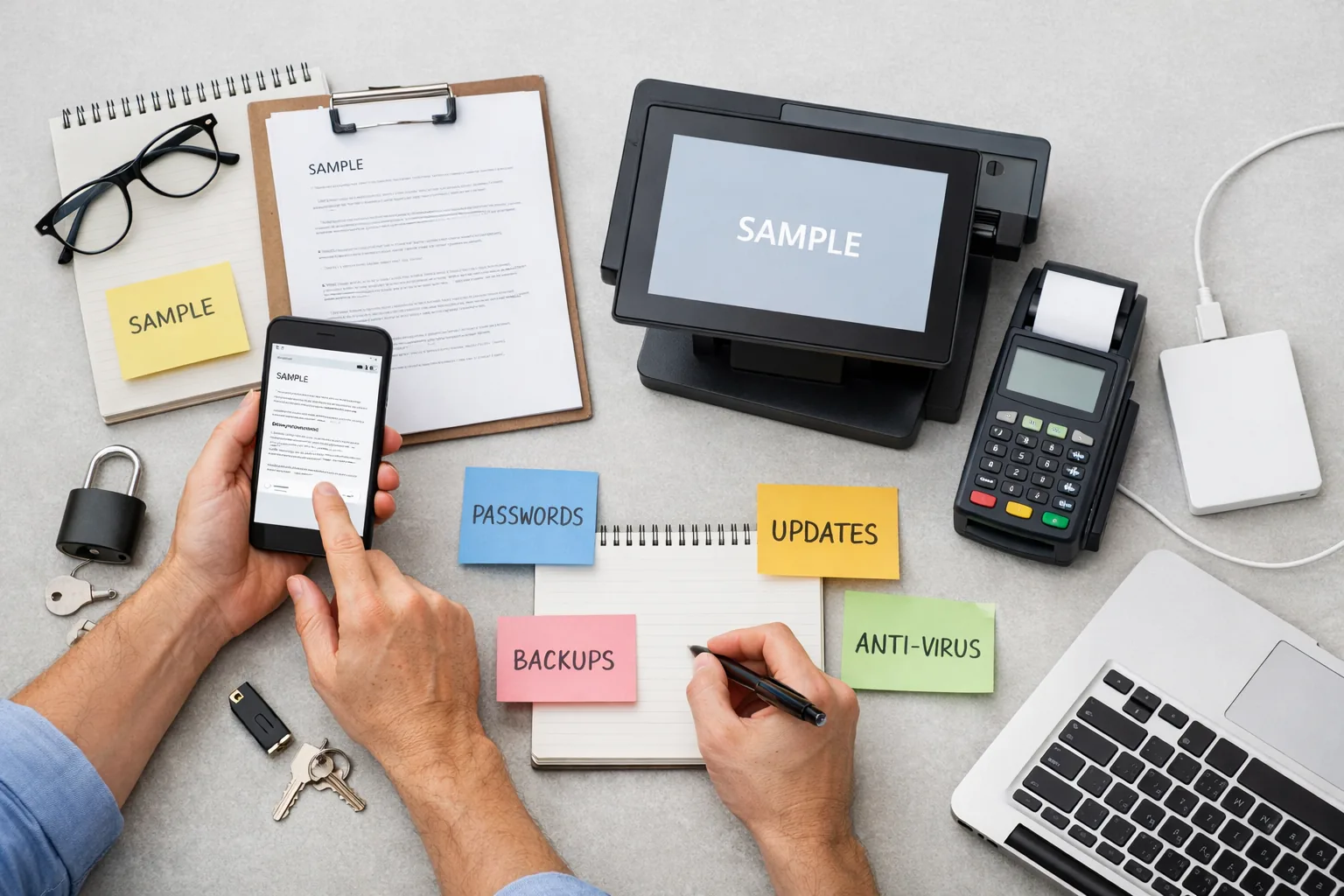
ASD Essentials, the new security framework from the Australian Signals Directorate (ASD), isn't built for small business. If you run a nail salon, restaurant, clinic or accounting office, start with four basics instead: turn on two-factor authentication (2FA), keep your software updated, back up your data and write down an incident plan.
On 20 October 2026, Information Age, the news site of the Australian Computer Society (ACS), reported that ASD had launched the ASD Essentials framework to replace the Essential Eight, which had been in use for almost a decade. The announcement landed during Cyber Security Action Month, so it got plenty of attention. Many small business owners are now worried they have to rebuild their whole setup.
Key Takeaways
- According to Information Age, ASD Essentials replaces the Essential Eight and shifts the focus from ticking compliance boxes to reducing real-world risk.
- Information Age also reports that the new framework is not designed for small business. You don't need to read through technical documents written for large organisations.
- A better starting point is the Small business cyber security handbook on cyber.gov.au.
- Getting four basics right usually reduces your risk more than buying extra tools in response to the news.
Key points
ASD Essentials replaces Essential Eight: what has changed?
According to Information Age, the new framework from ASD is more flexible and based on real-world risk. The focus moves away from ticking off every item on a checklist and towards reducing the chance of an actual attack.
That thinking applies to small businesses too. A system that looks compliant on paper can still be taken over because of one leaked email password.
This article draws on Information Age's report and the Australian Cyber Security Centre (ACSC) home page. The technical detail of the new framework sits in the ASD Essentials publications on cyber.gov.au.
Does your small business need to follow ASD Essentials?
You don't need to start with this framework. The Information Age article has a section stating plainly that ASD Essentials is not designed for small business.
For smaller operators, ASD publishes a separate resource, the Small business cyber security handbook, which sets out practical steps for businesses without technical staff.
The ACSC home page currently promotes Cyber Security Action Month, the ASD Essentials publications and this handbook side by side. If you run a nail salon, restaurant or clinic, open the handbook first and leave the documents written for large organisations for later.
The hidden cost of misreading security news
A common mistake is to treat every new piece of security news as something you must act on straight away. You could end up paying for an assessment that is far bigger than your business needs, while the real gaps stay open.
In a small business, those gaps are usually very ordinary: the whole team shares one email account and password, the front-counter computer hasn't been updated in ages, or booking data lives on a single machine.
Example (assumed figures): a clinic with 4 staff spends AUD 3,000 on new practice management software, but everyone still shares one email account to receive appointment requests. A former employee's password was never changed, so that person can still read patient emails.
For a small business, a risk-based approach can be boiled down to one question: if you lost your email or customer data tomorrow morning, how long would you have to stop trading? The answer tells you what to fix first.
Four cyber basics to fix first
1. Turn on 2FA for email and key accounts
Email is often the key to resetting passwords on everything else, from accounting software to your website admin panel. With 2FA switched on, someone who gets hold of your password usually still can't log in, because they don't have the code or the approval on your phone.
Accounts connected to an AI assistant that reads your email or handles customer data need the same protection.
2. Keep software and devices updated
Many updates patch security flaws that have already been made public. Point-of-sale computers, reception machines and Wi-Fi routers are often the devices left unpatched the longest.
3. Back up your data and test the restore
A backup is only worth something if you can restore from it. Keep at least one copy separate from your main computer and test a restore on a regular basis.
4. Write down an incident plan
The plan doesn't need to be long: who to call, which account passwords to change first, and how to tell your customers. When something goes wrong, a single page prepared in advance helps you act faster instead of hunting for information while under pressure.
Holdrix technology consulting services
How Holdrix works with clients
Where should your business start?
- List where your data lives: computers, email, your website, booking software and payment software.
- Read the official handbook: open the Small business cyber security handbook on cyber.gov.au and mark the items you haven't done yet.
- Turn on 2FA: prioritise email and website admin accounts this week.
- Check your backups: find your most recent backup and try restoring a single file.
- Ask for a review: have a technology consultant look over your setup and rank the work by level of risk.
The Holdrix team can help with that review through our technology consulting service: working out which data to protect first, which gaps to close early, and which jobs you can handle yourself.
When don't you need to invest heavily in security?
Until the four basics are in place, a small business generally doesn't need to buy expensive security tools or pay for an assessment against a framework designed for large organisations.
The exception is if you supply government agencies or large organisations. In that case your contract may include its own security requirements, and you should read it carefully.
Frequently Asked Questions
Is the Essential Eight still usable?
According to Information Age, the Essential Eight has been replaced by ASD's ASD Essentials framework. The effort you've already put in isn't wasted, because practices such as updating software and backing up data are still essential.
Where can a small business find official security guidance?
The ACSC's cyber.gov.au site has the Small business cyber security handbook, which sets out practical steps for businesses without technical staff.
Can a small shop with no technical staff do this on its own?
Owners can usually handle tasks like turning on 2FA and updating software themselves. A full review of your systems and an incident plan are better done with help from a technology consultant.
In summary
ASD Essentials is a framework for large organisations, so small businesses are better off relying on the dedicated handbook on cyber.gov.au. Getting four basics right usually reduces your risk more than chasing every new security headline.
Holdrix handles the tech, you focus on growth.
Do you store customer details in email and on your front-counter computer but aren't sure where the gaps are? Book a consultation
Is a cyber security review right for your business?
Talk to the Holdrix team for advice and find the right solution for your business.
Where should your business start?
Talk to the Holdrix team for advice and find the right solution for your business.