Tự động hoá & AI
Auto-Replies on Zalo and Facebook: What Businesses Should Do and Avoid
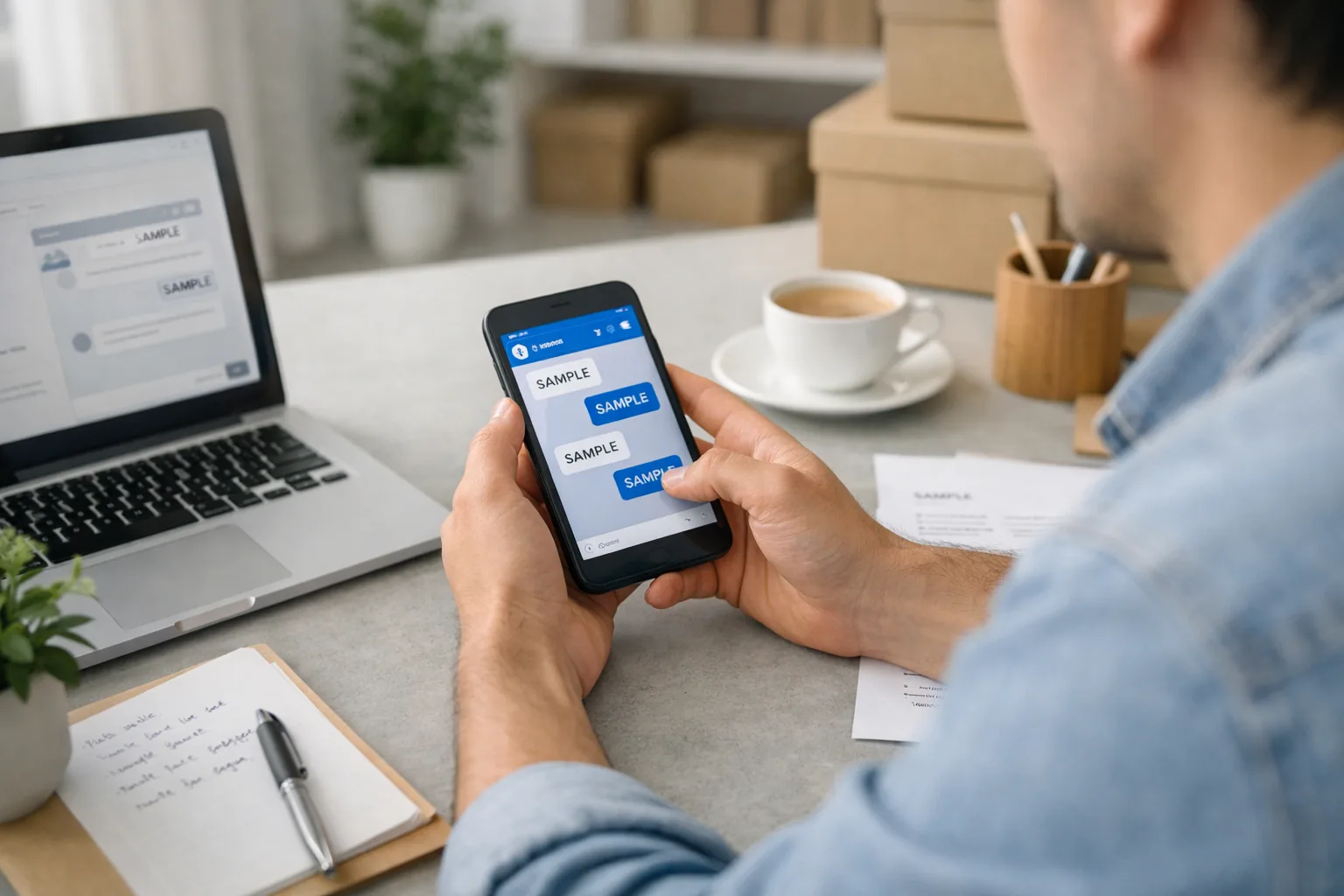
Setting up auto reply Zalo Facebook messaging often costs businesses customers because of two mistakes: robotic, off-topic answers, and customers who want a real person but never reach one. The risk sits mostly in the preparation, not the tool. With clear scripts and someone ready to take over, auto replies help you respond after hours and handle repeat questions quickly.
Many vietnamese-owned businesses in Australia receive price enquiries, bookings and address questions through Zalo and Facebook Messenger. Messages arrive while the owner is serving another customer or after closing time. Meanwhile, customers often ask several businesses at once and tend to go with whoever replies first and most clearly.
Key Takeaways
- Auto replies suit repeat questions such as opening hours, address and basic pricing. They shouldn't stand in for a person when a customer has a complaint, needs a custom quote or raises a sensitive issue.
- Before switching anything on, collect your common questions, make sure your information matches across channels and name the person who will take over conversations.
- Start with the basics: a greeting, an after-hours message and keyword replies. Only move up to artificial intelligence (AI) once your data is consistent.
- The two mistakes that most often cost customers are robotic, off-topic answers and customers left hanging when they ask for a real person.
Key points
What can auto reply on Zalo and Facebook actually do?
When a customer sends a message, the system replies with a script you've prepared, so your team doesn't have to type every answer. Facebook Pages and Zalo Official Accounts (OAs) usually include basic features such as greeting messages, after-hours notices and keyword replies.
The most obvious benefit is time saved. Example (assumed figures): a nail salon receives 40 messages a day, and 60% of them are repeat questions about opening hours, prices and location. If each reply takes 2 minutes, the owner spends about 48 minutes a day on them. Over 30 days, that adds up to roughly 24 hours spent repeating the same information.
That said, auto reply can't replace a person where judgement is needed: custom quotes, complaints, complicated rescheduling or a frustrated customer. Handing every one of these to a bot is a quick way to damage the customer experience.
What should you prepare before turning on auto reply?
An automated answer is only as good as the information behind it, so preparation decides most of the quality.
- Collect real questions: Review the last one to two months of messages and note the 10–20 questions customers ask most, along with the different ways they phrase them, such as “giá bao nhiêu”, “bn tiền” or “price?”.
- Align your information: Prices, opening hours, address and cancellation policy should match across your website, Zalo and Facebook. When each channel says something different, disputes with customers tend to follow.
- Write in your business's voice: Keep replies short and use the form of address your regulars are used to. If your customers are varied, prepare both Vietnamese and English versions.
- Name the person who takes over: Decide who receives the message when a customer asks for a human, how quickly they should respond, and what you tell customers outside business hours.
- Set boundaries: Automated messages shouldn't promise discounts or confirm bookings before they've been checked, and they shouldn't ask customers to send sensitive details such as payment card numbers.
For Zalo in particular, the requirements for opening and verifying a business account in Australia may differ from those in Vietnam. Check the current requirements before you plan your setup.
How do you set up auto reply, level by level?
You don't need to start with anything complicated. Setup can be split into three levels, each needing a different amount of preparation.
1. Basic: greeting and after-hours messages
The greeting sent when someone first messages you should offer 3–4 options, such as “View prices”, “Book an appointment” and “Talk to a person”. Your after-hours message should say clearly when you'll reply, rather than just “Thanks for getting in touch”.
2. Intermediate: keyword replies and menus
At this level, each reply is tied to a keyword such as “price”, “address” or “hours”. Customers rarely type exactly the keyword you've set, so test a range of spellings, including with no diacritics and with abbreviations.
3. Advanced: AI connected to your business data
A system at this level can understand questions written in natural language, check available times, log the request in your customer relationship management (CRM) software and pass it to a staff member with a summary of the conversation. This is useful when message volume is high, but it needs consistent data and clear rules. Without both, AI can produce answers that sound reasonable but are wrong.
At any level, once it's live, ask a few people you know to message you as if they were real customers. Over the first one to two weeks, read through the conversations and fix any wrong answers.
What are the common mistakes with auto reply?
- Robotic, off-topic answers: A customer asks “do you have a spot this afternoon?” and gets the entire price list back. They feel unheard and often don't message again.
- No route to a real person: A customer taps “Talk to a person” and hours later nobody has replied. This can be worse than having no auto reply at all, because the customer assumes their request has been received.
- Too many messages at once: A simple question triggers three or four long messages with images, making it hard for the customer to find what they need.
- Outdated information: Prices or hours have changed but the script hasn't, which leads to arguments when the customer turns up.
- Pretending to be human: Customers who think they're chatting with a staff member and then discover it's a bot tend to lose trust. Be upfront that the message is automated.
The damage from these mistakes never shows up on an invoice. Example (assumed figures): 2 customers a week walk away after being left hanging, and each is worth an average of AUD 60. That's roughly AUD 480 a month in lost revenue, not counting the repeat visits you would otherwise have had.
Holdrix automation and AI services
Where should you start?
- Review your recent messages, list the repeat questions and count how often each appears.
- Align your information, then write short template replies for those 10–20 questions.
- Turn on the greeting, the after-hours message and a “Talk to a person” button first. You don't need AI yet.
- Name the person who takes over conversations and set a target response time for each part of the day.
- Read through conversations every week for the first month to refine your scripts, then consider upgrading.
When don't you need complex auto reply?
If you only get a few messages a day and the owner can still keep up, a greeting and an after-hours message are enough. In that case, the effort of setting up AI usually outweighs the time it saves.
It's also best to hold off on upgrading if your prices and services keep changing and there's no central place to update them, or if nobody is assigned to pick up the conversations that get handed over. Automating an unclear process only makes the errors repeat faster.
Frequently Asked Questions
Does auto reply on Zalo and Facebook cost anything?
Basic features such as greetings and after-hours messages are usually built into the platforms. Costs mainly arise when you use external tools or AI connected to your data, depending on the scope of the setup.
Can a chatbot replace the person who monitors messages?
A chatbot handles repeat questions well, but complaints, custom quotes and complicated rescheduling still need a person. A sensible split is for the bot to reply first and for your team to handle anything that needs judgement.
Should you tell customers they're getting an automated message?
Yes. Being clear from the start helps customers set the right expectations and avoids losing their trust if they find out later.
In summary
Auto reply on Zalo and Facebook can save time on repeat questions, provided your information is consistent and someone is always available when a customer needs a person. Start with the basics and learn from real conversations before moving up to AI.
Holdrix handles the tech, you focus on growth.
Are Zalo and Facebook messages piling up after hours, and you're not sure what to automate first? Book a consultation
Is auto reply right for your business?
Talk to the Holdrix team for advice and find the right solution for your business.
Where should your business start?
Talk to the Holdrix team for advice and find the right solution for your business.