Small Businesses Holding Customer ID Need Five Security Steps
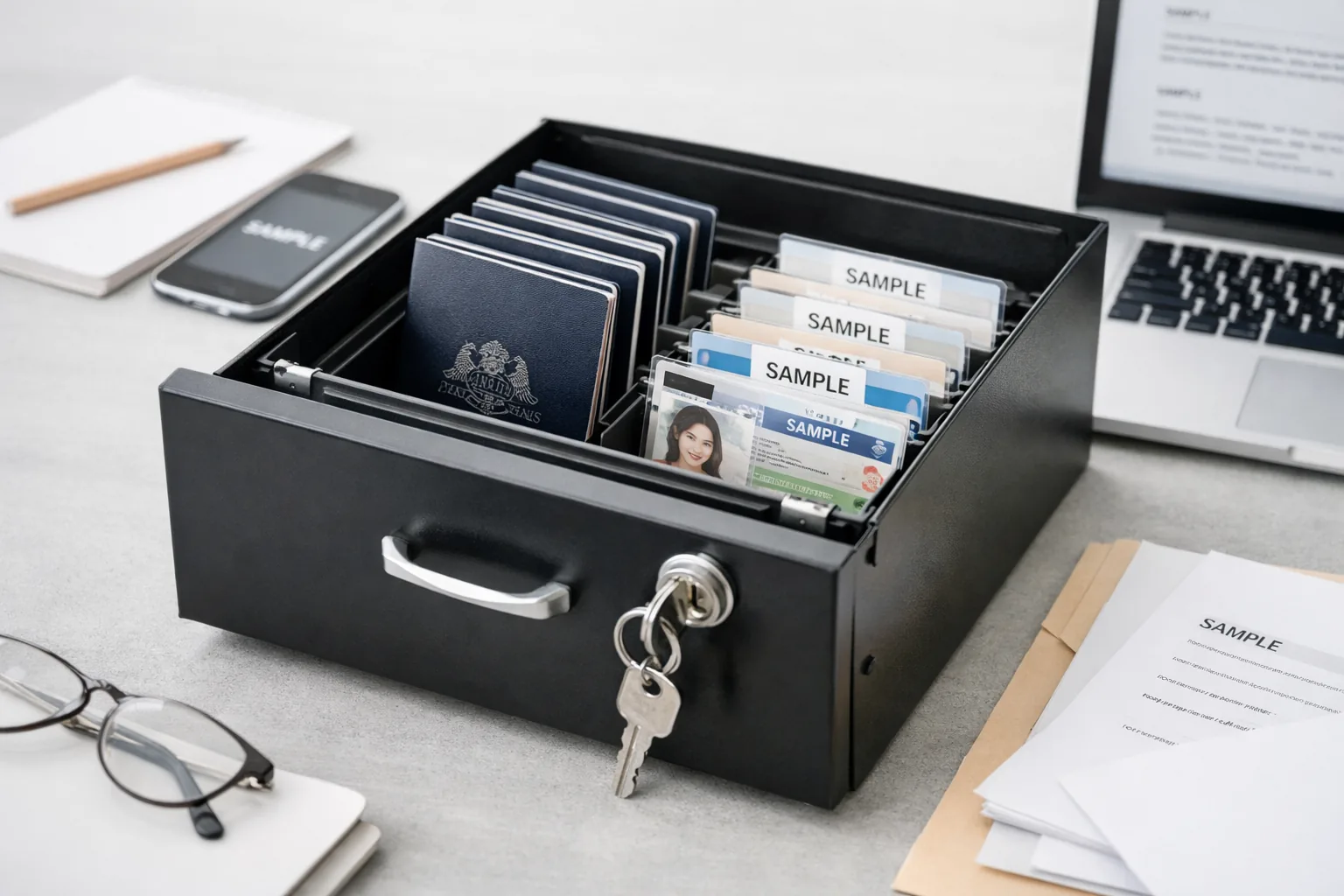
When new anti-money laundering (AML) rules require you to start storing customer ID documents, treat that data as high risk and plan your security from day one. Five steps are worth doing first: list the documents you already hold, keep only what the law requires, limit who can open them, switch on two-factor authentication (2FA), and prepare a response plan for a data breach.
According to Security Brief Australia (29 October 2026), the expanded AML laws will require many small businesses, such as accounting practices and real estate agencies, to collect and store their customers' passports and driver licences. For many Vietnamese-Australian business owners, this may be the first time they need a dedicated process for this kind of data.
Key Takeaways
- The expanded AML laws mean customers' passports and driver licences will sit across many small businesses, giving cybercriminals more targets.
- Security Brief Australia reports that businesses with annual turnover under AUD 3 million can still be penalised under the Privacy Act.
- The Australian Parliament's inquiry found that most cyber incidents at small and medium-sized businesses (SMBs) come from preventable human error.
- The insurer QBE estimates that only about 20% of Australian SMBs hold cyber insurance, and insurance is no substitute for prevention.
Key points
Why do the new AML laws raise data risk for small businesses?
Cyber security experts quoted by Security Brief Australia say identity data is now spread across many small businesses. Every business that holds customers' passports and driver licences becomes one more target for cybercriminals.
Passports and driver licences are often used to impersonate people, open accounts or take out loans in someone else's name. Unlike a password, a document number is hard for a customer to change once it has been exposed, so the harm can last a long time.
It's also worth noting that Security Brief Australia says businesses with turnover under AUD 3 million may still be penalised under the Privacy Act. Many small businesses have assumed they sit outside that law, so it's worth rechecking your own obligations.
That said, AML laws exist to stop illicit money flows, and verifying a customer's identity is a mandatory obligation you can't avoid. The main risk isn't in collecting the documents, but in how your business stores them afterwards.
Where do small businesses typically expose customer documents?
According to Michael West Media (3 November 2026), the Australian Parliament's inquiry into cyber security for SMBs found that most incidents stem from preventable human error rather than sophisticated attacks.
With customer ID documents, the weak points usually come down to everyday habits:
- Receiving documents through channels you can't control: customers photograph their passports and send them by email or messaging app, leaving copies in several inboxes and on several phones.
- Saving files in shared folders: scans sit in a folder that every staff member, including casuals, can open.
- No retention period: documents from former customers stay on the computer and nobody checks them against the retention period the law requires.
- Shared accounts: the whole office uses one email address and one password, with no two-factor authentication.
Example (hypothetical scenario): an accounting practice receives a photo of a client's driver licence through a messaging app. A staff member saves it to their personal phone and then uploads it to a shared folder. A single client file has now created at least three copies outside your control.
Is cyber insurance enough to protect your business?
The insurer QBE estimates, as cited in the Australian Parliament's inquiry, that only about 20% of Australian SMBs have cyber insurance.
Insurance may help cover recovery costs after an incident. However, it can't take back data that has already been exposed, and it does little to repair customers' trust.
The hidden cost is often time: contacting each affected customer, working with regulators and reviewing your systems. For a business with only a handful of staff, this can disrupt core work for a while.
How to go about storing customer ID documents securely: five steps
1. List the documents you hold and where they are
Create a list of the document types, where they are kept (email, computers, phones, paper files) and who can open them. If you don't know where the data is, you can't protect it.
2. Keep only what the law requires
Collecting extra ‘just in case’ makes the damage greater if it's ever exposed. Check your AML obligations to confirm what you must keep and for how long, then delete surplus copies.
3. Limit who can access the files
Only the staff who verify identities need to open these records. When someone leaves the business, remove their access straight away.
4. Turn on two-factor authentication
Two-factor authentication adds a second confirmation step on top of a password, such as a code sent to your phone. Apply it to email, cloud storage and your customer management software.
5. Prepare a data breach response plan
Your plan should state who is responsible, which accounts to lock, who to call for legal advice and how to notify customers. Writing it before an incident helps you avoid rushed decisions.
The Holdrix team helps businesses review where their data is stored, set up access permissions and draft an incident response plan through our technology consulting service.
Holdrix technology consulting service
Where should your business start?
- Appoint one person to be responsible for customer data.
- Review every channel customers currently use to send documents, then choose one official, controlled channel for receiving them.
- Consolidate copies into a single storage location, set permissions and delete the surplus.
- Turn on two-factor authentication for every account that holds customer data.
- Train staff to recognise the common mistakes listed above.
- Draft a short incident response plan and review it regularly.
When don't you need dedicated software yet?
If you only verify a small number of customers, you probably don't need dedicated software yet. Setting the right permissions on the tools you already use, turning on two-factor authentication and having a clear process can address many common mistakes.
Once your volume of records grows, several staff handle them, or the data sits across multiple systems, consider a centralised storage solution that logs access history.
Frequently Asked Questions
Can a business with turnover under AUD 3 million be penalised under the Privacy Act?
According to Security Brief Australia, businesses with turnover under AUD 3 million may still be penalised under the Privacy Act. You should speak with a lawyer to confirm your specific obligations.
Is it OK to accept a customer's passport by email?
Standard email makes it hard to control how many copies are kept. It's better to use a receiving channel with access controls, and to delete the copies in your inbox once the file has been saved.
Can cyber insurance replace security measures?
No, cyber insurance doesn't replace security measures. It may help with costs after an incident, but it can't stop your customers' data from being exposed.
In summary
The expanded AML laws turn many small businesses into custodians of identity data, which cybercriminals often target. Most of the risk comes from human error, so you need a clear process and tight access controls in place before an incident happens.
Holdrix handles the tech, you focus on growth.
Are you holding customers' passports or driver licences without being sure who can access them or where the data sits? Book a consultation
This article is general information only and is not legal, tax or immigration advice.
Is customer data security advice right for your business?
Talk to the Holdrix team for advice and find the right solution for your business.
Where should your business start?
Talk to the Holdrix team for advice and find the right solution for your business.